.png)
Create a Link in Bio with AI Design for Free
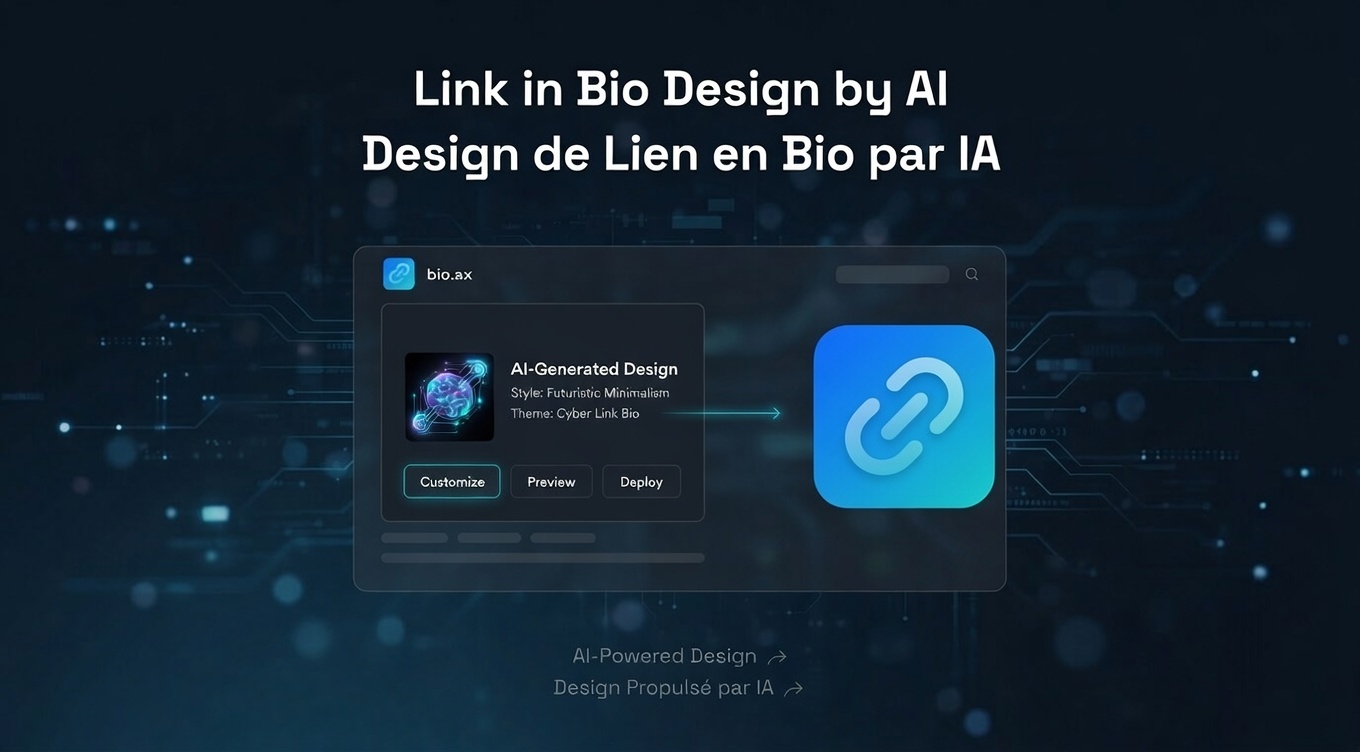
Want a link in bio that stands out, but you're not a designer? Good news: the built-in AI design engine at bio.ax takes care of it for you — and the results are genuinely impressive.
In this article, we'll show you how to create a link in bio with AI design, fully customized, without any hassle.
Why Your Link in Bio Design Actually Matters
Your link in bio is your digital storefront. It's the first thing your followers see when they click on your Instagram, TikTok, or Snapchat profile. A generic design = a missed opportunity.
A well-designed link in bio with AI means:
- A page that reflects your image or brand
- Visitors who stay longer
- More clicks on your links
- Instantly reinforced credibility
bio.ax: The Link in Bio Powered by AI Design
bio.ax is a link in bio tool built to be ultra-simple to use, while offering endless customization possibilities thanks to its built-in AI design engine.
No complex menus. No need to be a graphic designer. You describe what you want, the AI handles it.
How Does bio.ax's AI Design Work?
This is where bio.ax really stands out. Rather than picking a theme from a limited list, you describe your style in plain language and the AI generates a unique result.
Examples of prompts you can use:
- "Dark background with connected particle effect, wide rounded-corner buttons and purple gradient"
- "Minimalist off-white style, elegant typography, frosted glass effects"
- "Streetwear vibe, bright red background, geometric grid, animated links"
The AI goes far beyond color choices: it creates visual depth, animation effects, compositions that look professional — even if you have no design background.
You can even ask it to animate your links (e.g. make the first button move to catch the eye) or animate the background with effects like the matrix or dynamic particles.
Manual Customization: Full Control If You Want It
If you prefer to stay in charge, bio.ax lets you customize every detail manually:
- Background: gradient, solid color, custom image
- Buttons: glass effect, gradient, outline, solid color
- Text and button size and style, corner shapes
- Element layout via drag and drop
- Widgets: Spotify, SoundCloud, YouTube, Twitch, text, images, social icons
Everything rearrangeable via drag & drop, in seconds.
What You Can Add to Your bio.ax Page
bio.ax covers all content types:
- 🔗 Classic links (with icon or image)
- 🎵 Spotify / SoundCloud widgets (album, artist)
- 📺 YouTube video, Twitch live or profile
- 🖼️ Large image cards
- 📝 Text / heading / paragraph blocks
- 🌐 Horizontal social icons (Instagram, TikTok, LinkedIn…)
- ✅ Verified badge
Advanced Analytics to Understand Your Audience
bio.ax includes a complete analytics dashboard that's easy to read at a glance:
- Number of views and clicks per link
- Traffic source: see whether your visitors come from Instagram, TikTok, Snapchat, LinkedIn…
- Location: countries, cities, and even an automatic summary ("Most of your visitors are from Canada, from Instagram, on mobile")
- Peak hour: when your audience is most active
- Devices and browsers used
- Detailed recent visits
All with clear charts, over the period you choose.
Fast to Start, Fast to Load
- Sign up in seconds via Google or email
- No app to install — everything runs in the browser
- Accessible as an app from your phone's home screen
- Optimized infrastructure with an advanced caching system and servers close to your visitors for ultra-fast loading
Summary: Why Choose bio.ax for Your Link in Bio?
| Feature | bio.ax |
|---|---|
| AI-powered custom design | ✅ |
| Animations and visual effects | ✅ |
| Drag & drop | ✅ |
| Spotify, YouTube, Twitch widgets | ✅ |
| Advanced analytics | ✅ |
| Fast loading | ✅ |
| Ease of use | ✅ |
If you're looking for a link in bio with AI design that combines simplicity, power, and professional visual results, bio.ax is made for you.